

Choosing the perfect switch for your business’s equipment is vital to efficient operations. When creating a custom membrane switch, you want to consider how the operator uses the machine.
Depending on what best suits their needs, you can begin constructing the membrane switch. One of the first things you need to decide is whether you want to select a non-tactile or tactile switch.
Keep reading to learn the differences between the two so you can create the perfect membrane switch for your equipment.
Key Takeaways
- Tactile switches provide physical feedback when pressed, while non-tactile switches do not, relying on visual or auditory confirmation.
- Tactile switches use metal domes and overlays for haptic feedback, whereas non-tactile switches are self-contained and can last longer.
- Tactile switches are ideal for momentary actions like typing or adjusting settings, while non-tactile switches are perfect for activating backlighting or indicators.
- Tactile switches are common in household electronics and remotes, while non-tactile switches are often used in gaming devices, medical equipment, and in combination with tactile switches for enhanced visibility.
Membrane Switches
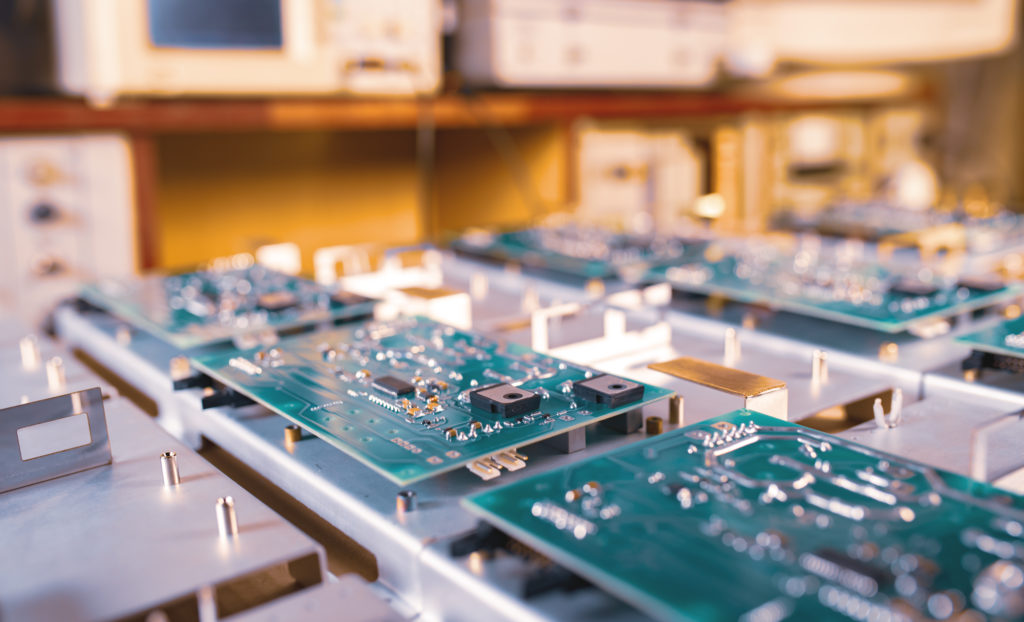
Printed circuit boards typically rely on membrane switches to turn parts of the device off and on. There are two main membrane switches in use today on printed circuit boards. One is referred to as a tactile membrane switch, and the other is called a non-tactile membrane switch.
Each switch performs a different function on the printed circuit board. Here is an overview of the differences between a tactile and a non-tactile membrane switch.
Key Differences Between a Non-Tactile and a Tactile Switch

1. Construction
When designing a membrane switch, understanding how it is built is essential. The construction determines not only the durability of the switch but also how users experience its functionality.
Tactile and non-tactile switches are similar in many ways, but they differ in key design elements that impact performance and feedback.
Tactile Switches
Tactile switches, also called haptic switches, are momentary switches designed to provide a physical response when pressed. They feature an overlay that sits above a metal dome inside the switch.
Overlay Design
The overlay includes letters, symbols, or designs that indicate the switch’s function.
How It Works
Pressing a symbol pushes the metal dome down onto a conductive footprint, completing the circuit and triggering an action. Once the pressure is released, the dome springs back, breaking the connection.
Materials & Durability
Tactile switches can be made from stainless steel, polyester domes, or hydro-formed domed overlays. They can typically withstand up to a million activations.
Sealing & Protection
These switches are internally vented and sealed to prevent contamination from dust or other particles, ensuring reliable performance.
Non-Tactile Switches
Non-tactile switches function similarly to tactile switches but do not provide physical feedback.
Overlay Design
The bottom of the overlay is connected directly to a conductive pad. When pressed, the pad makes contact with the conductive footprint on the circuit board, completing the circuit.
How It Works
Unlike tactile switches, there is no “click” or physical response when the button is pressed.
Materials & Durability
Non-tactile switches are self-contained units that often include directional arrows or other symbols for controlling a device. They can handle up to five million activations, offering longer operational life in many applications.
2. Purpose
Understanding the purpose of each type of membrane switch helps you choose the right one for your application. The intended function determines whether a tactile or non-tactile switch is the best fit for your device and how users interact with it.
Tactile Switches
A tactile switch is a momentary switch. This means that the switch will only work when it is physically held down.
Once pressure is released, the switch will disconnect, and the action will stop. The best way to understand this is to think about the keyboard on your laptop or personal computer.
When you press a key down, an action will happen. In the case of the lettered and symbol keys, the letter or symbol will appear on the monitor screen. When you lift up on the key, the letter or symbol will stop unless you keep holding the switch down.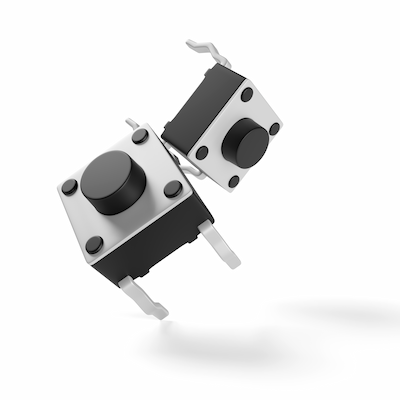
Non-Tactile Switches
Non-tactile switches are used to activate things like backlighting on a control board monitor. You won’t see anything on the monitor screen when you press a button.
Instead, you’ll see the LED light turn on or hear a beeping sound to let you know you have activated the control board.
3. Use
Knowing where and how each type of membrane switch is typically used can help you select the right switch for your equipment. Tactile and non-tactile switches serve different functions depending on the device and the user interaction required.
Tactile Switches
Tactile membrane switches are widely used in household and consumer devices where physical feedback enhances usability.
Common Applications:
- Microwave control pads for setting time and heat levels
- Air conditioners for turning the unit on/off and adjusting settings
- Remote control devices for changing channels or activating functions
The physical “click” or response ensures the user knows an action has been registered, making the device intuitive and easy to operate.
Non-Tactile Switches
Non-tactile switches are ideal for applications where physical feedback is not necessary, often complementing tactile switches.
Common Applications:
- Gaming devices
- Medical equipment
- Backlighting for control panels to make symbols, letters, and numbers visible
These switches provide visual or auditory confirmation, such as lights or beeps, instead of a physical response. They are particularly useful in enhancing usability alongside tactile switches.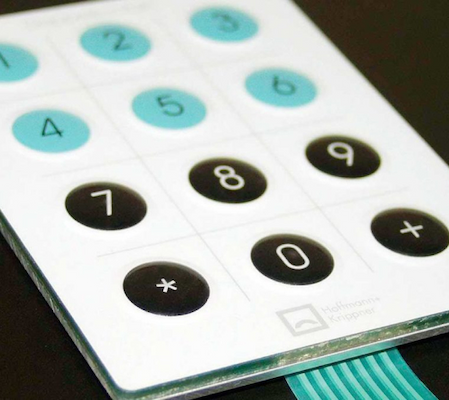
Create Custom Membrane Switches with Hallmark Nameplate
Choosing between a tactile and non-tactile membrane switch is more than just a technical decision; it directly affects how users interact with your equipment and the overall functionality of your devices.
Understanding their differences allows you to design membrane switches that enhance usability, reliability, and user satisfaction.
At Hallmark Nameplate, we specialize in creating custom membrane switches tailored to your specific needs. Whether you need tactile switches for consumer electronics or non-tactile switches for industrial or medical applications, our team can guide you through every step, from design to production, to ensure your devices perform exactly as intended.
Contact us today to discuss your project and discover how the right membrane switch can elevate your product’s functionality and user experience.